

The Complete Guide to Managing Multiple Store Locations
Expanding from one store to multiple locations? Learn the systems and processes you need to scale successfully.
The Challenge of Multi-Store Management
Managing a single store is challenging enough. When you expand to multiple locations, the complexity multiplies exponentially. Without the right systems, owners find themselves:
- Constantly traveling between stores
- Dealing with inconsistent processes
- Losing visibility into overall performance
- Struggling to maintain inventory accuracy
Centralized vs. Decentralized Management
Centralized Management
In a centralized model, key decisions are made at headquarters:
- Pros: Consistency, better bulk purchasing, unified branding
- Cons: Slower response to local needs, less manager autonomy
Decentralized Management
Each store operates semi-independently:
- Pros: Quick local decisions, manager ownership
- Cons: Inconsistent experience, harder to track performance
Best Practice: A hybrid approach with centralized purchasing and reporting, but local operational flexibility.
Essential Systems for Multi-Store Success
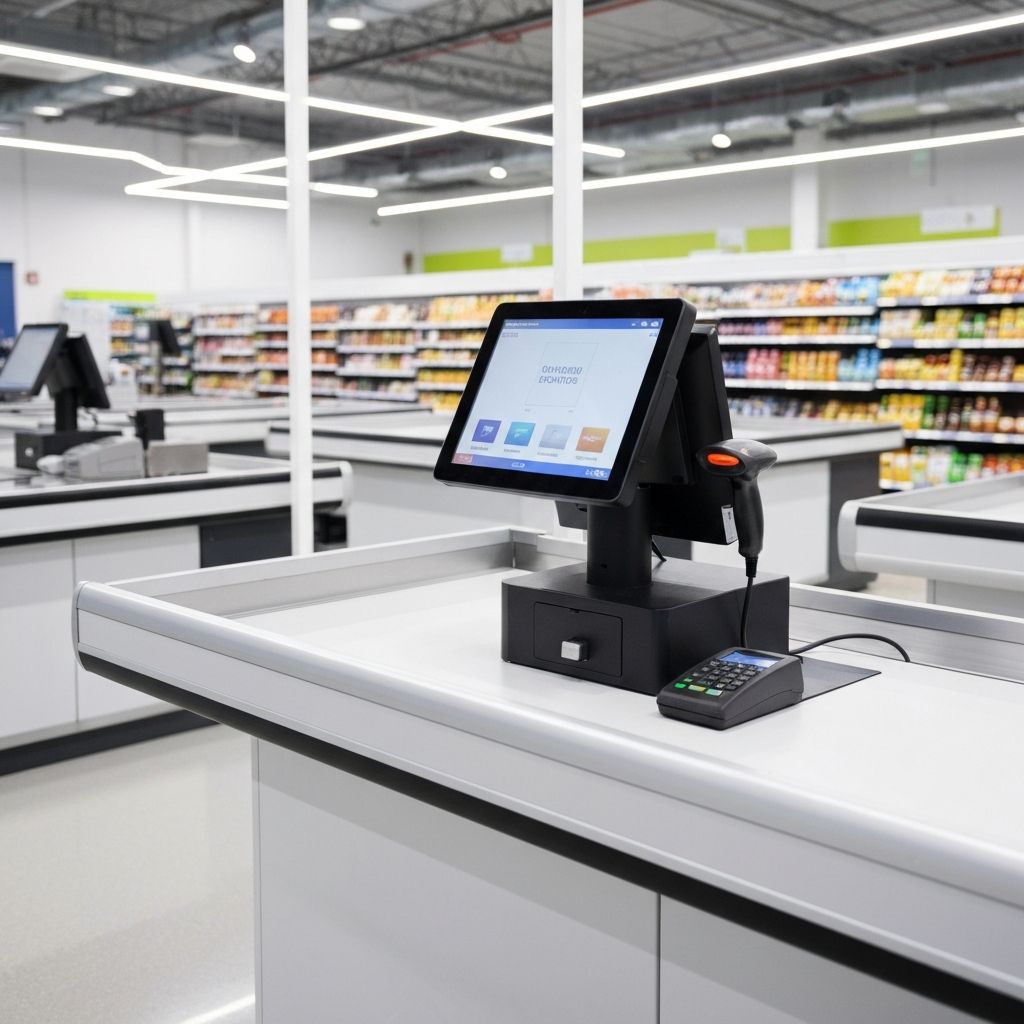
1. Cloud-Based POS System
Your point-of-sale system is the backbone of multi-store operations. Look for:
- Real-time synchronization across locations
- Role-based access control
- Centralized product catalog management
- Location-specific pricing capabilities
2. Unified Inventory Management
Each location needs accurate inventory tracking, but you also need:
- Cross-location visibility
- Transfer management between stores
- Consolidated purchasing recommendations
- Shrinkage comparison by location
3. Centralized Reporting Dashboard
You can't manage what you can't measure. Essential reports include:
- Sales comparison by location
- Labor cost percentages
- Inventory turnover rates
- Shrinkage rates by store
4. Standardized Operating Procedures
Document everything:
- Opening and closing procedures
- Cash handling protocols
- Receiving processes
- Customer service standards
Communication Best Practices
Daily Stand-ups
Even a 10-minute call each morning keeps everyone aligned.
Weekly Manager Meetings
Review KPIs, share best practices, address challenges.
Monthly All-Hands
Celebrate wins, communicate company direction, build culture.
Technology That Scales
When choosing technology, always ask: "Will this work when we have 10 locations?"
Avoid:
- Desktop-only software
- Systems that require manual data export/import
- Separate databases per location
Choose:
- Cloud-native solutions
- APIs for integration
- Automatic updates and backups
Case Study: GOL Supermarket
GOL Supermarket expanded from 1 to 4 locations in Massachusetts using Queeker as their central management platform. Results:
- 40% reduction in shrinkage across all stores
- 4 hours saved daily on administrative tasks
- Real-time visibility into all locations from a single dashboard
Getting Started
- Audit your current systems - What's working? What's not?
- Document your processes - Before you can standardize, you need to understand
- Choose scalable technology - Invest in systems that grow with you
- Train for consistency - Same training, same standards, every location
Ready to scale your retail operation? Queeker helps multi-store businesses manage inventory, sales, and operations from a single platform.
Ready to transform your business?
See how Queeker can help you manage your supermarket or restaurant more efficiently.
Related Articles

5 Proven Strategies to Reduce Shrinkage in Your Supermarket
Shrinkage costs supermarkets billions every year. Learn practical strategies to minimize losses and protect your profits.
Why Every Small Supermarket Needs a Modern POS System in 2026
Still using a cash register and spreadsheets? Here's why upgrading to a modern POS system is essential for competing in today's market.